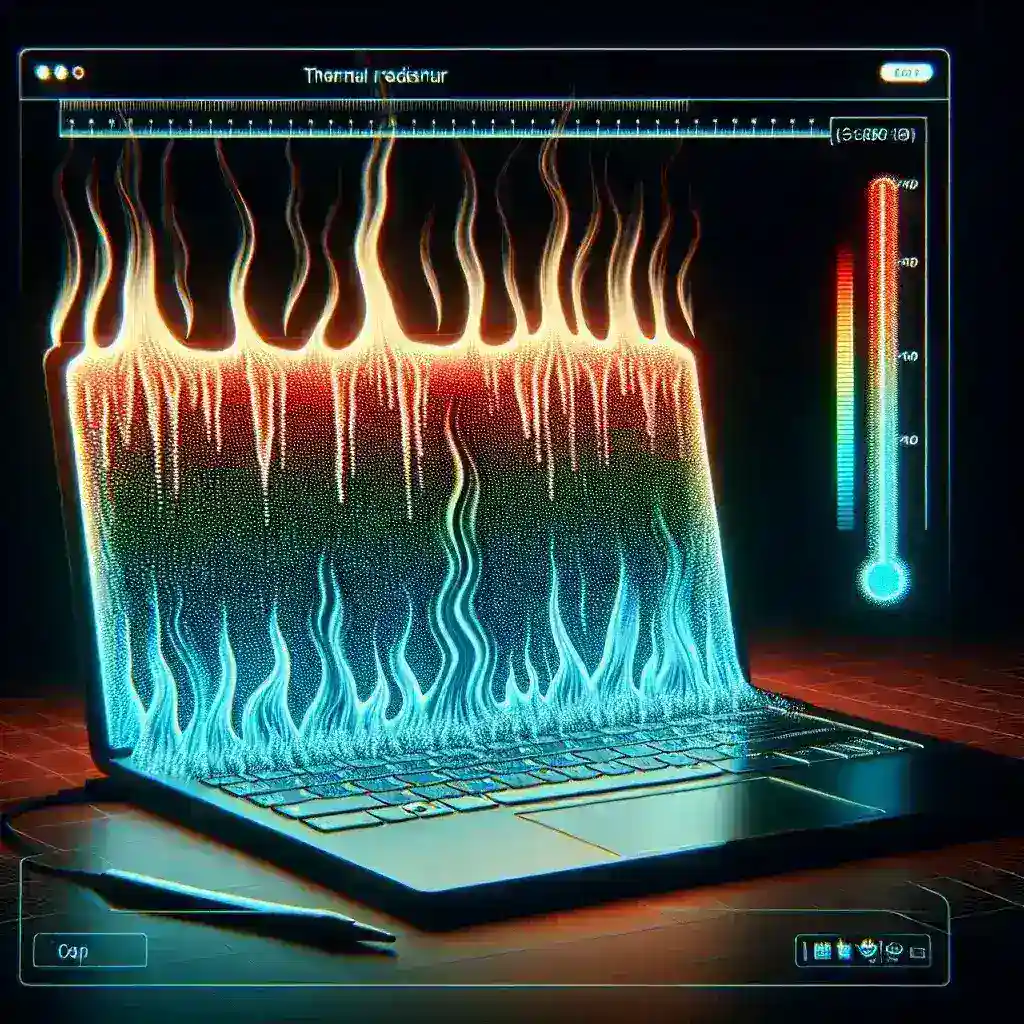
Understanding Laptop Overheating
In our technology-driven world, laptops have become essential tools for both personal and professional use. However, just like any other electronic device, they are susceptible to overheating, which can lead to performance issues and long-term damage. Identifying the signs of an overheating laptop allows you to take preventive action before it’s too late.
Common Signs of Overheating
- Excessive Heat: One of the most noticeable signs that your laptop is overheating is the heat it generates. If the bottom of your laptop feels unusually hot to touch, it’s a clear indication that something is amiss.
- Fan Noise: Laptops are equipped with cooling fans to dissipate heat. If you hear your laptop’s fans running at high speed for an extended period, it could be struggling to keep temperatures down.
- Slow Performance: Overheating can cause your laptop to throttle its performance to prevent damage. If you notice sluggishness during tasks, it may be a sign of overheating.
- Unexpected Shutdowns: If your laptop shuts down unexpectedly without warning, it could be due to overheating. This is a protective mechanism to prevent hardware damage.
- Screen Artifacts: Overheating can also lead to graphical glitches or artifacts on your screen. If you see strange colors or distortions, check your laptop’s temperature.
Why Do Laptops Overheat?
Understanding the causes of overheating is crucial in preventing it. Here are some common reasons:
- Blocked Vents: Dust and debris can accumulate in the laptop’s vents, obstructing airflow and causing overheating.
- Old or Failing Thermal Paste: The thermal paste between the CPU and its heat sink can dry out over time, reducing its effectiveness in transferring heat away.
- High Ambient Temperatures: Using your laptop in hot environments can contribute to overheating, especially if it doesn’t have adequate cooling.
- Heavy Resource Usage: Running demanding applications, such as games or video editing software, can put a strain on your laptop’s components, leading to increased heat generation.
- Malware or Software Issues: Some malware can cause excessive CPU usage, resulting in overheating. It’s essential to keep your system clean and updated.
Preventive Measures
To mitigate the risk of overheating, consider the following preventive measures:
- Regular Cleaning: Periodically clean your laptop’s vents and fans to remove dust. You can use compressed air to blow out debris.
- Use a Cooling Pad: A laptop cooling pad provides additional airflow and helps maintain optimal temperatures during heavy use.
- Monitor Performance: Use performance monitoring software to keep an eye on your CPU and GPU temperatures. This proactive approach can help you identify overheating issues early.
- Adjust Power Settings: Tweaking your laptop’s power settings can help reduce heat generation by limiting CPU performance when not needed.
- Update Drivers: Keeping your graphics and system drivers up to date can improve performance and efficiency, reducing overheating risks.
Steps to Take if Your Laptop is Overheating
If you notice the signs of overheating, take immediate action:
- Shut Down Your Laptop: Turn off your laptop to prevent further damage. Allow it to cool down for at least 30 minutes before attempting to use it again.
- Check for Blockages: Inspect the vents for dust or debris. Clear any obstructions that might be blocking airflow.
- Test the Fans: Make sure the fans are operating correctly. If they are malfunctioning, consider consulting a professional for repairs.
- Consider Thermal Paste Replacement: If your laptop is older, consider replacing the thermal paste, as it may have dried out over time.
- Seek Professional Help: If the problem persists, consult a technician to diagnose and resolve any underlying hardware issues.
Conclusion
Recognizing the signs of laptop overheating is essential for maintaining the health of your device. By monitoring temperatures and taking preventive measures, you can prolong your laptop’s lifespan and ensure optimal performance. Remember, early detection is key, so stay vigilant and take action at the first signs of trouble.